
Plan the trip and keep the budget without switching apps.
iPhone · iPad
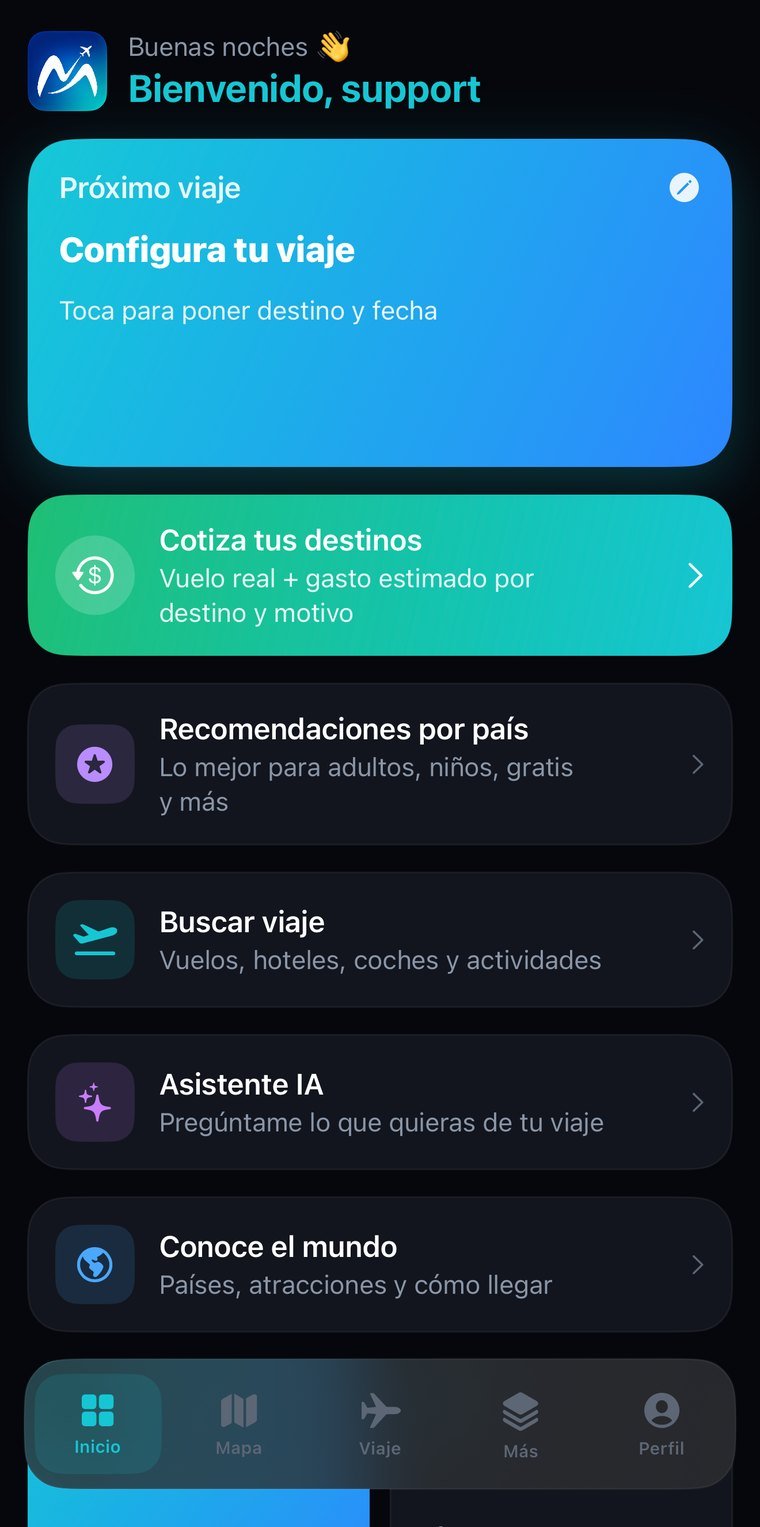
Real screenshots, not mockups. Tap any of them to see it full size; arrows move between them, Esc closes.
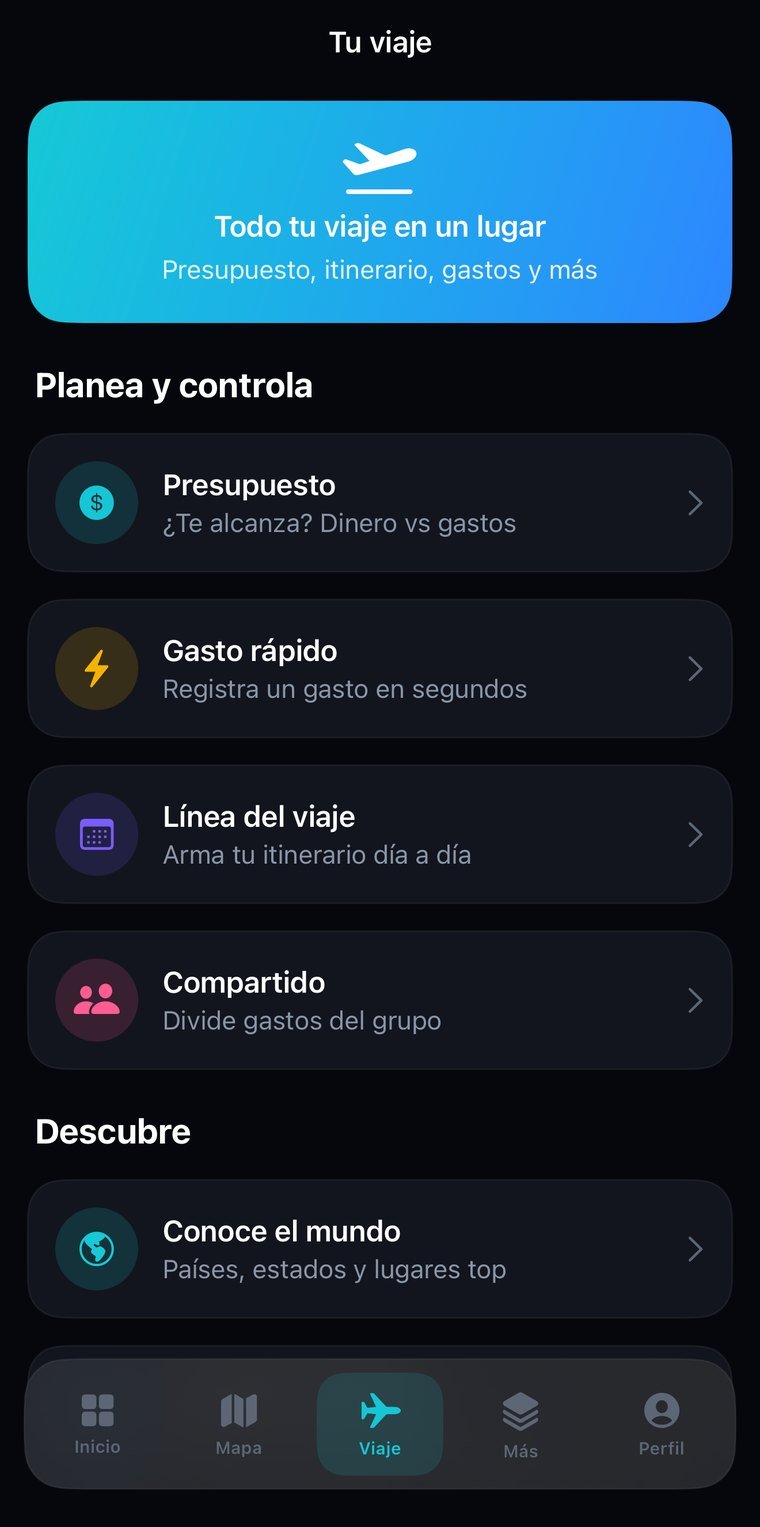
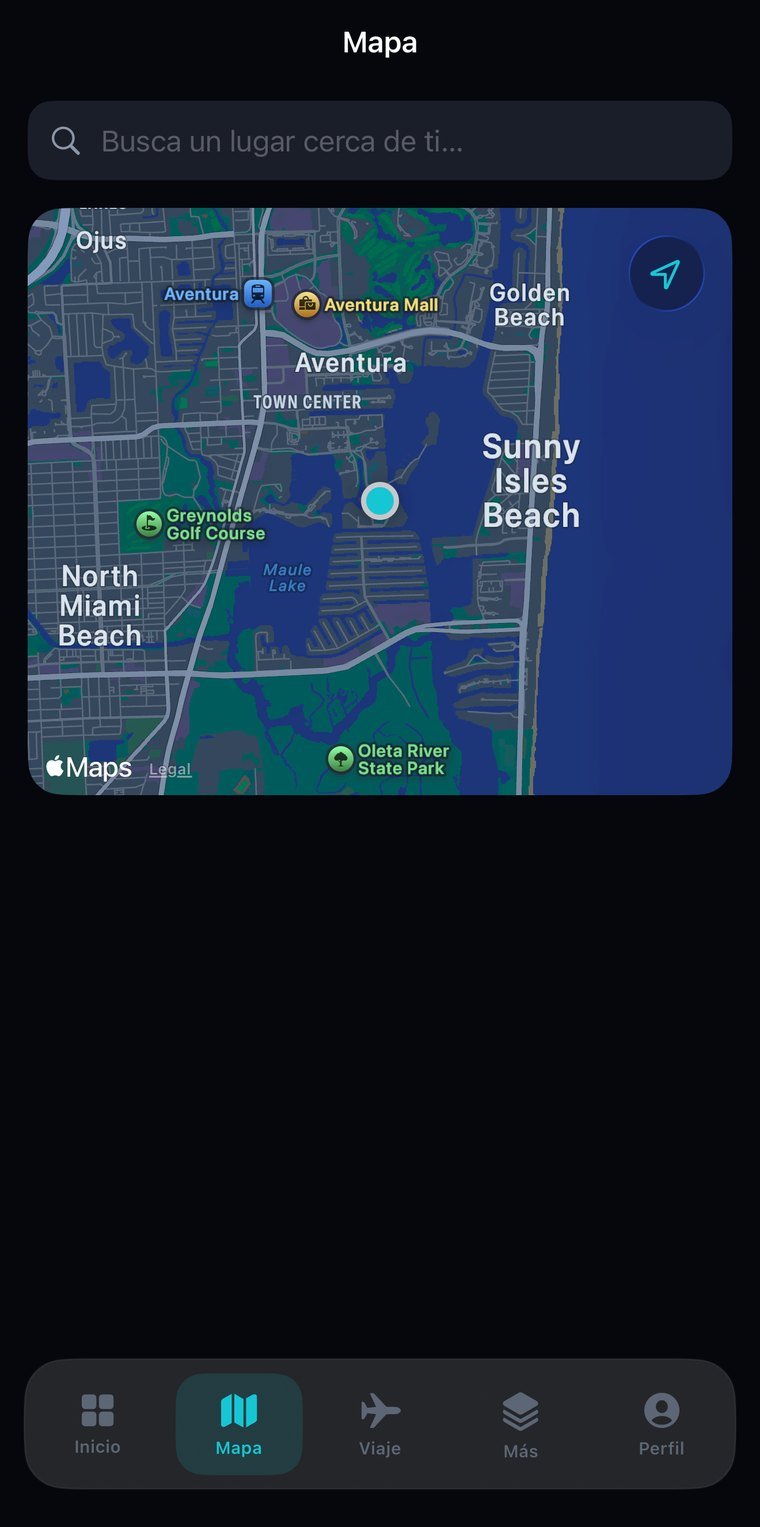
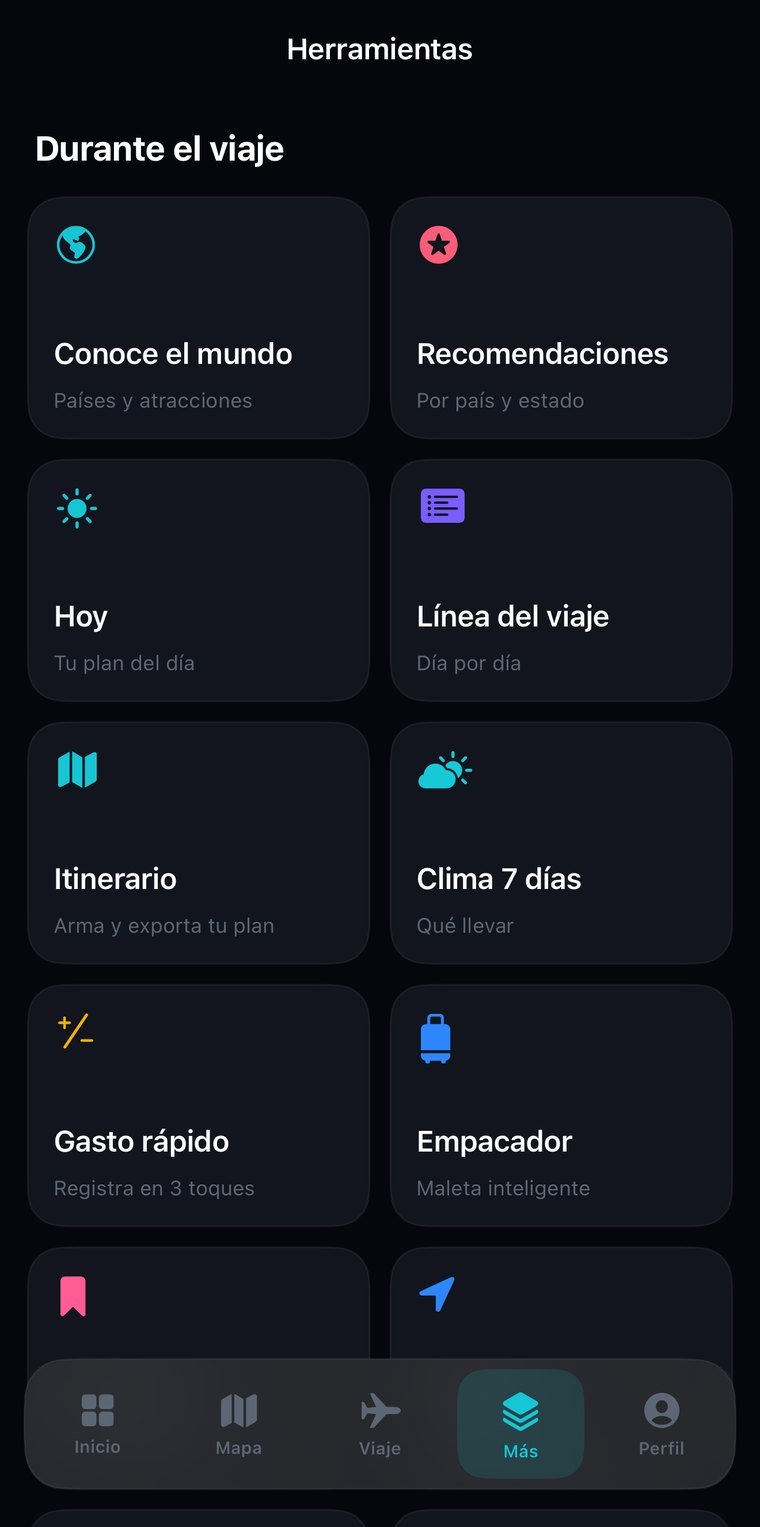
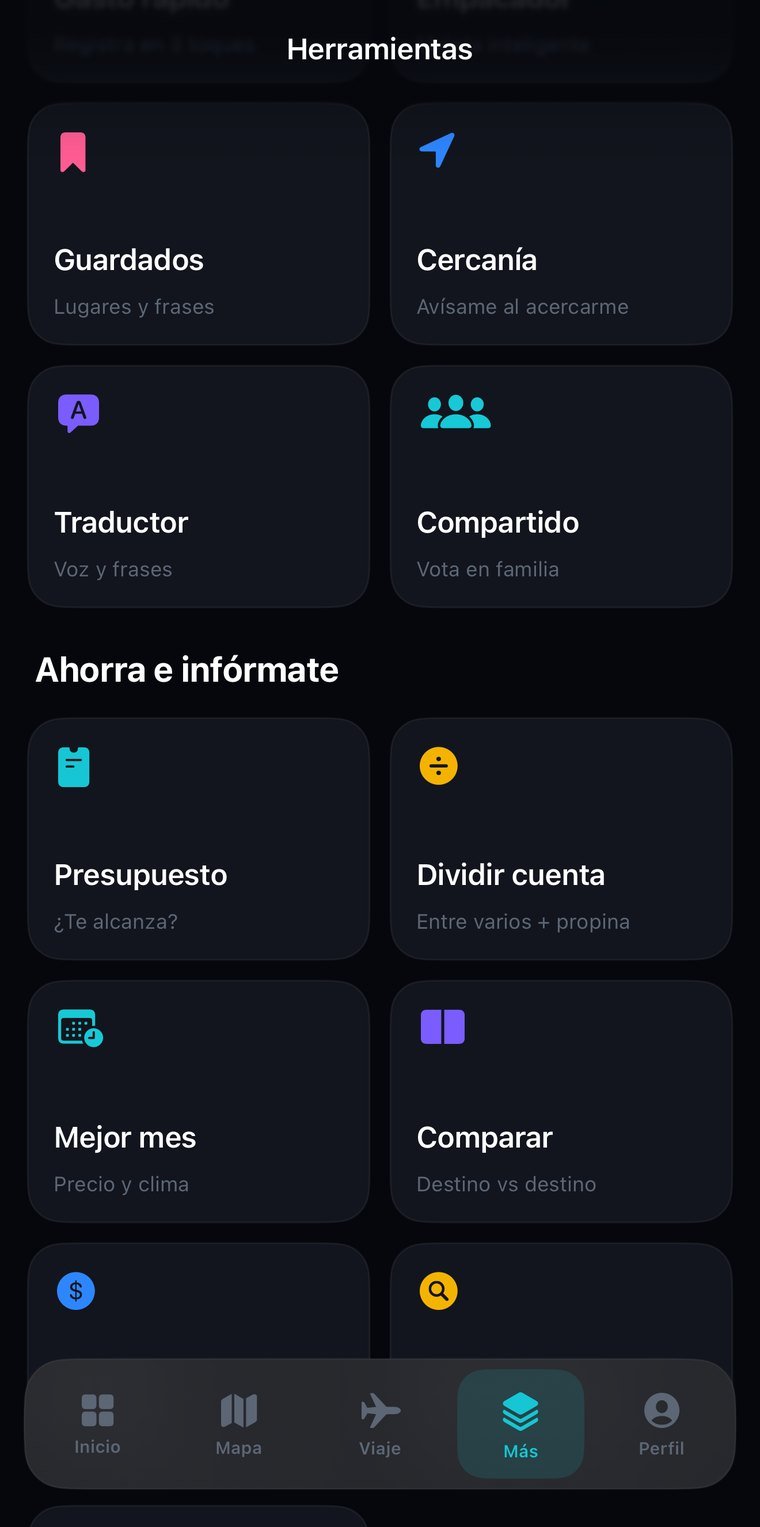
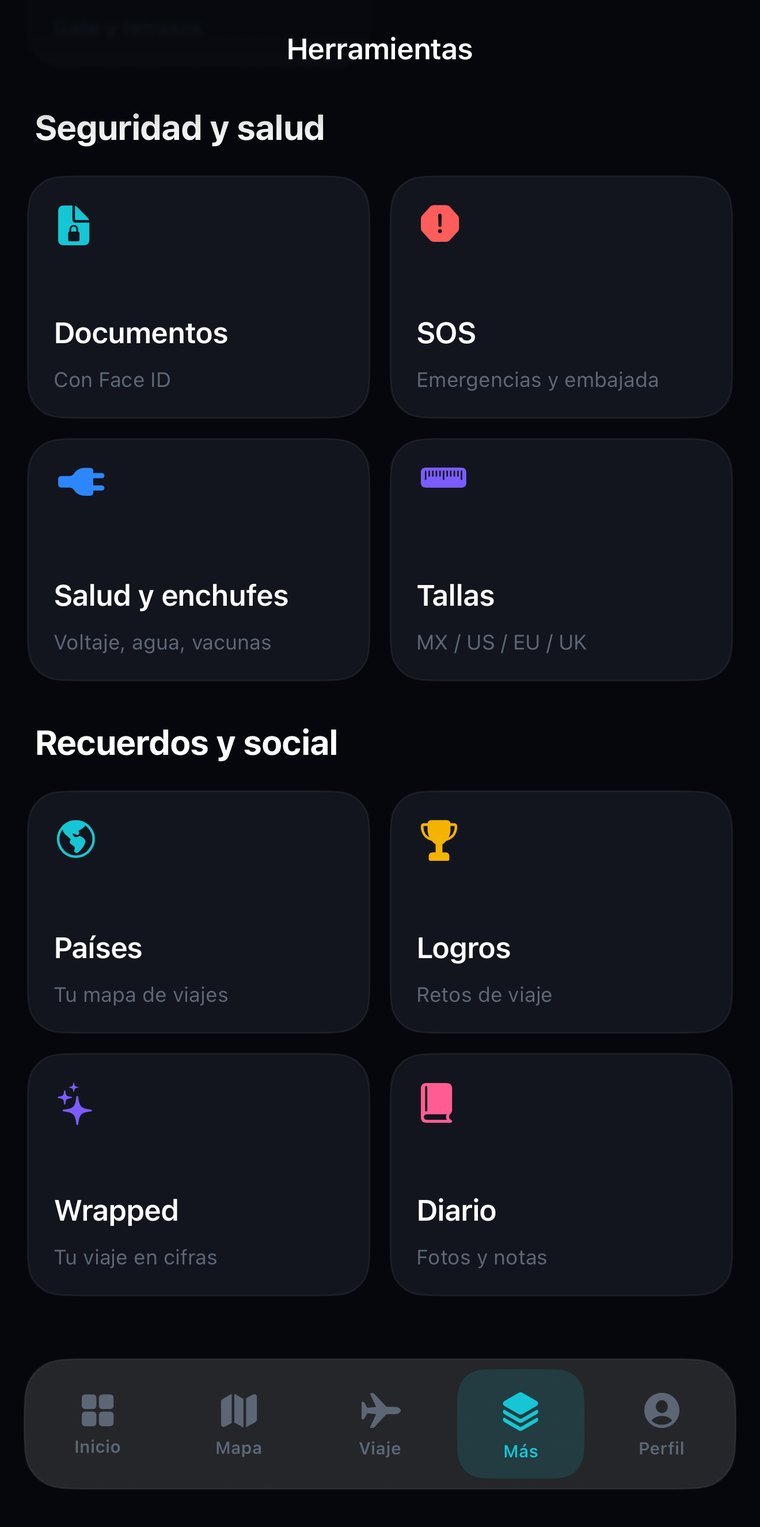
Travel apps plan and expense apps charge, but almost none do both. Mundara keeps the itinerary and the money together, and it works for all 218 countries, not just the usual ten destinations: each country has its own page, its plug types, and an emergency page with local numbers.
What to see, when to go, plug type and voltage —compared against your home country so you know whether you need an adapter— and the emergency page with local numbers, the screen you hope never to use.
With times, assistant suggestions for any country, and a packing list you check off. Stops are added by hand or straight from the recommendations.
How much you've spent, how much is left, and an estimate of what the trip will cost based on destination, days, adults and children, and travel style. Before you leave, not after.
Among the travelers, with an adjustable tip — the calculation that always goes wrong at the table.
Passport, visas and reservations kept on the phone behind Face ID, so you have them when there's no signal.
Visited countries go from gray to color, with the percentage of the world you've covered. Plus a photo travel journal on a timeline.
Weather that tells day from night, up-to-date currency conversion, and flight status with the date clearly marked so you don't mix up the day.
Recommendations by city or country based on who you're traveling with —with kids, with older adults— organized by category.
No new account, nothing to install: you sign in with the same email and password as the app and see your information on a big screen. Useful for reviewing, showing someone something, or printing without passing screenshots around.
The email and password you already use. If you don't remember it, the reset email goes out from that same screen.
Trips, budgets, trip expenses, countries visited…
The session lives only in that tab and is erased when you close it. If you signed in on a borrowed computer, nothing is left behind.
The web is for reading; entry happens in the app. Two places writing at once is how information stops reconciling and changes get lost — we'd rather that simply couldn't happen.
Permissions are enforced server-side, not by the page. From the browser you can't reach information that isn't yours, even if someone tries by hand.
Documents and the journal live only on your phone and don't travel to the web, on purpose.
For independent travelers who want to know, in one place, what they'll do each day and what it will cost.